



Working from home has become more common than ever, and creating a productive home office environment is key to staying focused and efficient. A well-organized and comfortable workspace can help minimize distractions and improve your daily workflow. Here are some practical tips to help you set up an ideal home office.
Choose the Right Location
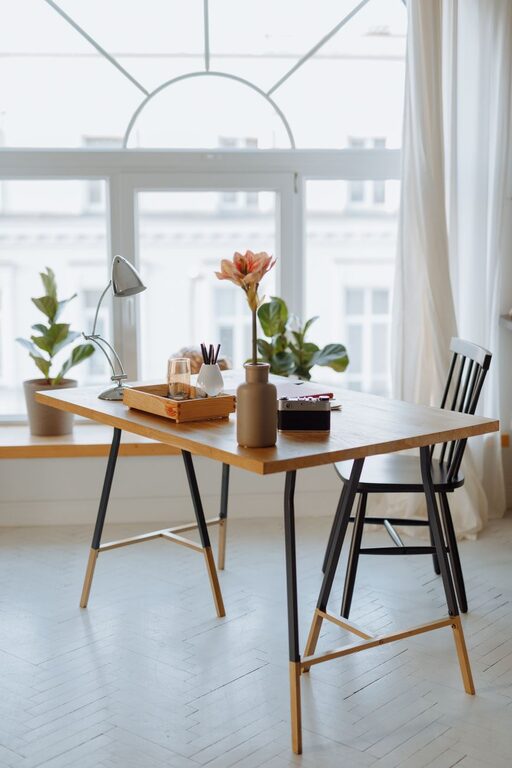
Selecting the right spot for your home office is the first step toward productivity. Ideally, find a quiet area with minimal foot traffic to reduce interruptions. If possible, choose a space with natural light, which can improve mood and reduce eye strain. This could be a spare room, a corner of your living room, or even a nook near a window.
Invest in Comfortable and Ergonomic Furniture
Comfort is essential when you spend several hours at your desk. Invest in an ergonomic office chair that supports your back and encourages good posture. A desk at the right height will help prevent strain on your wrists and shoulders. Adjustable furniture can be helpful if you want to alternate between sitting and standing.
Organize Your Workspace
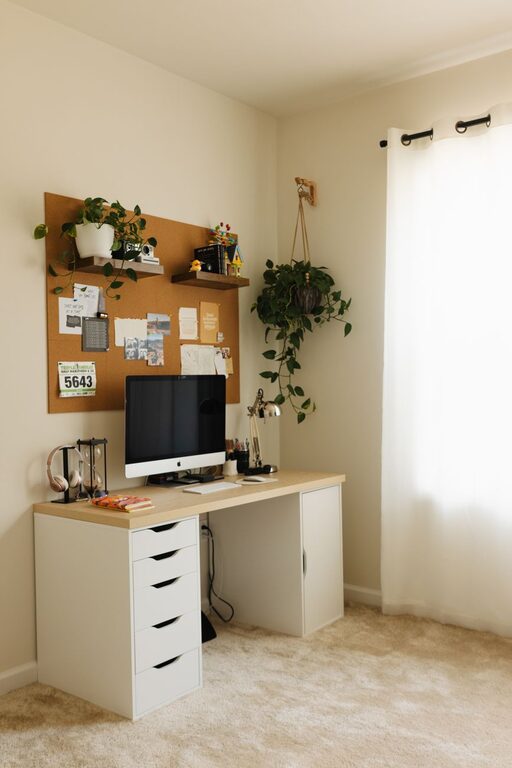
A clutter-free desk promotes a clear mind. Use organizers, shelves, and drawers to keep supplies and documents neatly stored. Keep only essential items on your desk, such as your computer, notebook, and a few pens. Consider cable management tools to prevent wires from tangling and creating a mess.
Optimize Lighting
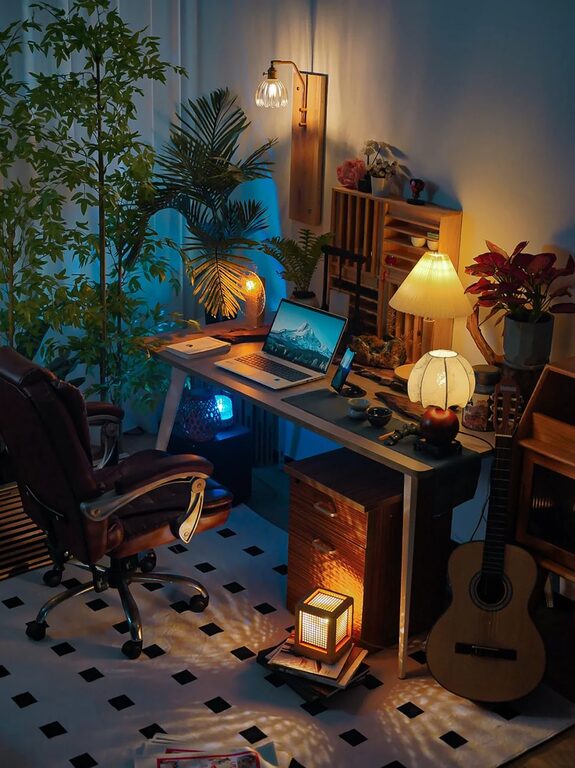
Good lighting reduces eye strain and keeps you alert. Natural daylight is best, but if that’s not enough, add task lighting such as an adjustable desk lamp. Avoid harsh overhead lights and glare on your computer screen. Position your monitor to reduce reflections and shadows.
Minimize Distractions
Distractions can derail your focus quickly. Try to set boundaries with family members or roommates during work hours. Use noise-cancelling headphones or play background music if ambient noise disturbs you. Turn off notifications on your phone or computer to maintain concentration.
Personalize Your Space
Adding personal touches can make your workspace more inviting and motivating. Include plants, artwork, or items with sentimental value. Just be careful not to overcrowd your desk, which can lead to clutter and distraction.
Use Technology Wisely
Make sure your internet connection is reliable and your equipment is up to date. Use productivity apps to help manage your tasks and schedule. Backup your files regularly to prevent data loss. Having the right tools at your fingertips can greatly improve efficiency.
Establish a Routine
A consistent routine helps you get into the work mindset. Set regular working hours and take breaks at intervals to avoid burnout. Use a timer or an app to remind you to stretch or step away from your screen periodically.
Maintain Good Air Quality and Temperature
Fresh air and a comfortable temperature can boost productivity. Open windows when possible or use an air purifier to keep the air clean. Adjust your thermostat to a comfortable level, neither too hot nor too cold.
Keep Hydrated and Take Breaks
Remember to drink water throughout the day and take short breaks away from your desk. This supports your health and helps maintain focus.
—
Creating a productive home office environment requires thoughtful planning and small adjustments. By choosing an appropriate location, investing in ergonomic furniture, organizing your space, and managing distractions, you can create a workspace that supports your best work every day. Start with these tips to transform your home office into a place where you can be productive and comfortable.